 Workast
How to use the quick search
You can use our quick search to use keywords to find tasks and subtasks, as well as lists and spaces.
To use the quick search:
- Click on the "Search" tab in the left-hand taskbar.
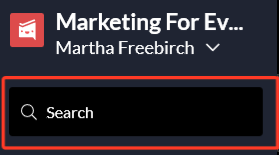
- This will bring up the quick search dialogue.
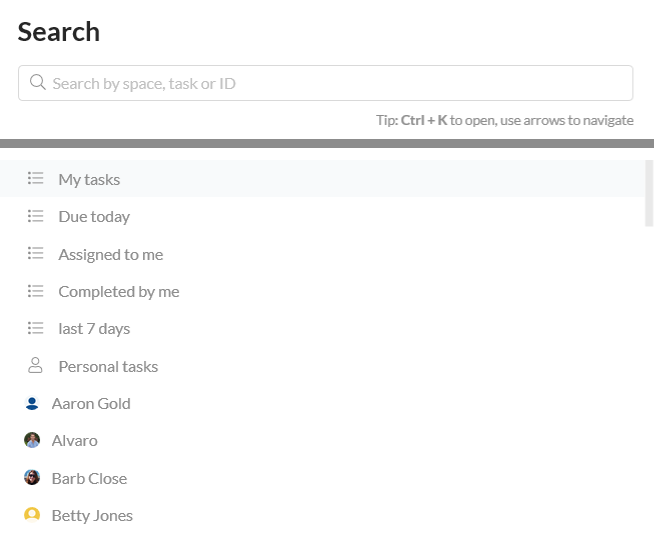
- You can click on your saved searches and spaces to open them. Use the arrow keys to scroll up and down.
- To search for a task or subtask, enter a keyword(s) from the task summary (task title) or the task ID. To search for a space, enter a keyword(s) from the space name.
- Once you've entered your keyword(s), any spaces or saved searches will populate. To search for tasks, click on "Search tasks with..." or hit "enter."
- Once your task populates, click on it to open it.

To learn about searches and saved searches, click here.