Workast
Adding participants to a space
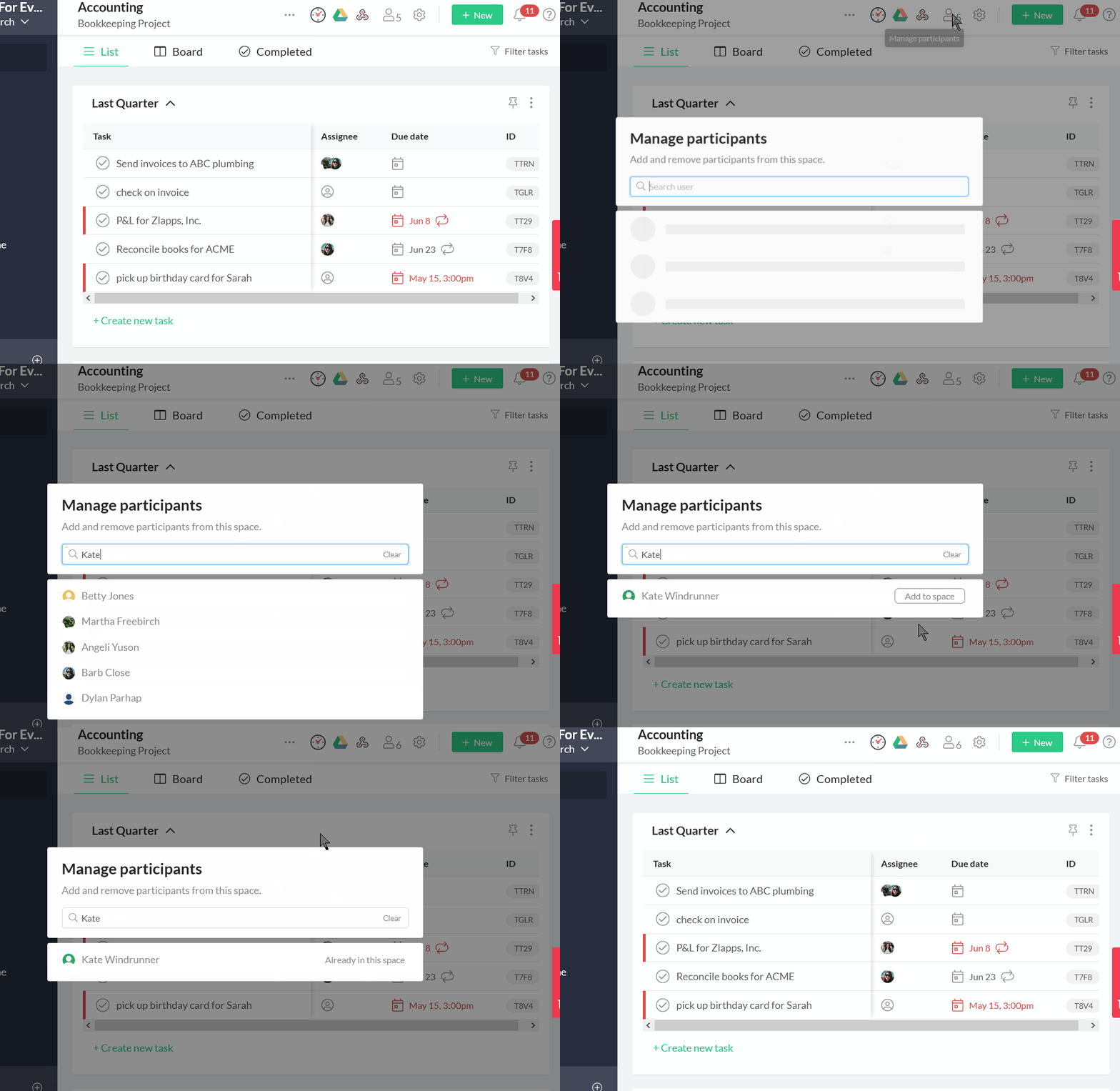
You can view the participants in a space by clicking on the participant button (people icon) in the space in Workast. This will show you who currently has access to the space. Adding participants to a space in Workast
- Click on the participant button (people icon.)

- This will open the participants' list.
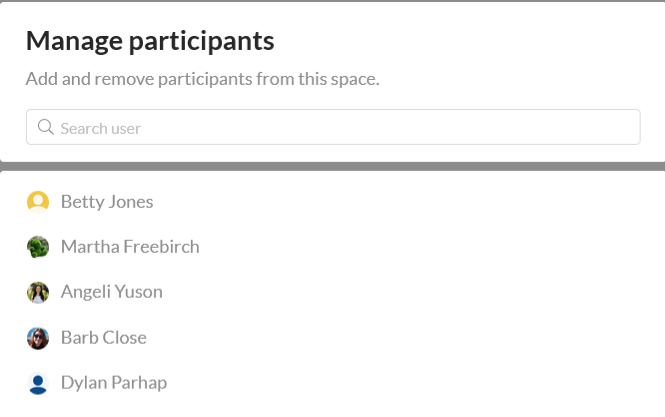
- In the search field, search for your team members by typing in the name of the user that you'd like to add to the space. You must type in at least 3 letters to begin the search.
- Click "Add to space" next to the user that you'd like to add. Click outside the box to exit.